
They say a picture is worth a thousand words—but on Etsy, it’s worth potentially hundreds of dollars in sales. Your product images are the first impression buyers have. They spark trust, convey quality, and drive click-throughs and conversions. To stand out in a crowded marketplace, you need listings that not only show your product—they show why it matters.
This guide dives into:
- Why listing photos should focus on storytelling and conversion
- Core photo types and composition best practices
- Tools and workflows to create professional-grade images
- How to leverage Sale Samurai’s insights for listing photo optimization
- Real-world seller examples and case studies
- A 10-point checklist to ensure each photo converts
1. Why Listings Need More Than a Snapshot
On Etsy, shoppers are making snap judgments. According to Etsy data, 55% of buyers click on a listing from the search results based on the first photo alone. Beyond that, your image must:
- Instill trust (clear, accurate, professional look)
- Convey scale (how big is it really?)
- Suggest lifestyle context (how will the product enhance my life?)
- Highlight quality (texture, materials, details)
Generic shots popular on Amazon won’t cut it here. Etsy’s audience expects craftsmanship—and your visuals need to prove it.
2. Types of Photos That Convert
A well-structured Etsy listing typically includes 6–10 photos covering distinct angles and uses:
A. Main Shot (Thumbnail)
- Clean, simple background—white or light neutral
- Product centered, well-lit, high resolution (2000+ px wide)
- Optimized for search thumbnails (square crop)
B. Detail Shot
- Close-ups of material, stitching, or creative detail
- Texture shots build perceived quality
C. Styled or Lifestyle Shot
- Product in real use (e.g., a mug next to coffee book, tote in market)
- Shows potential and emotional connection
D. Scale Shot
- Use a hand model or props like ruler, laptop, or coin for size context
E. Variant Shot
- Shows color, pattern, or style options side by side
F. Instructive/Usage Shot
- If product requires assembly or demonstrates use, show it (e.g., unfurling towel)
G. Bundle or Gift Photo
- Show bundled items, gift wrapping, or curated sets
H. Infographic Image
- Add overlay text with key benefits or features: e.g., “Hand-poured soy wax” or “100% organic cotton”
3. Composition Tips for DIY-Quality Photos
Lighting
Natural light is your best friend. Shoot near a window with soft light—avoid direct midday sun. For evenings, consider a lightbox or LED lighting kit with white light and diffusers.
Background
Simple setups work best—white foam board, posterboard, or clean wooden table. Or use seamless backdrops for lifestyle warmth.
Perspective
Shoot from multiple angles—your Etsy audience relies on images for a sense of 3D quality and authenticity.
Editing
Use Lightroom, Canva, or free tools to:
- Maintain consistent colors
- Adjust exposure, contrast, and saturation
- Remove dust and distractions
- Crop and align images following Etsy’s aspect ratios
Consistency
Keep visual style, lighting, and framing consistent across all photos—from your hero shot to extras.
4. Leveraging Sale Samurai for Listings Optimization
Sale Samurai isn’t just for keywords—it helps you align your visuals with audience expectations:
A. Keyword-Based Visual Insights
Search tools like “beach tote” or “personalized mug” show what photos top sellers are using. Use the Chrome extension to catalog patterns.
B. Competitor Analysis
Use Competition Tracker to monitor top listings—if they feature certain photo types (e.g. “staged tabletop shot”), replicate your own version.
C. Seasonal and Lifestyle Trends
Track what sells with terms like “holiday gift set” or “birthday bundle.” Analyze if holiday-themed listings have lifestyle winter backgrounds and snow elements.
D. Tag & Title Consistency
Ensure the images reflect your listing title and tags. If you optimize for “minimalist tumbler set,” your photos should show the minimalist aesthetic consistent with search intent.
5. Real Seller Examples That Convert
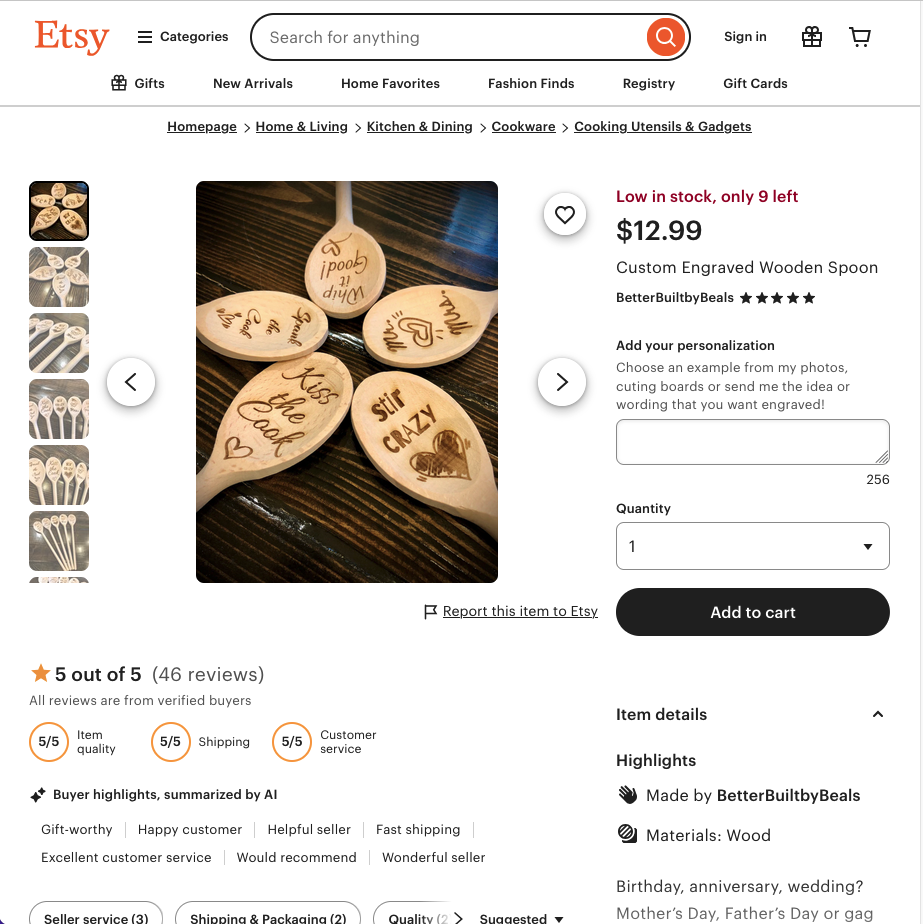
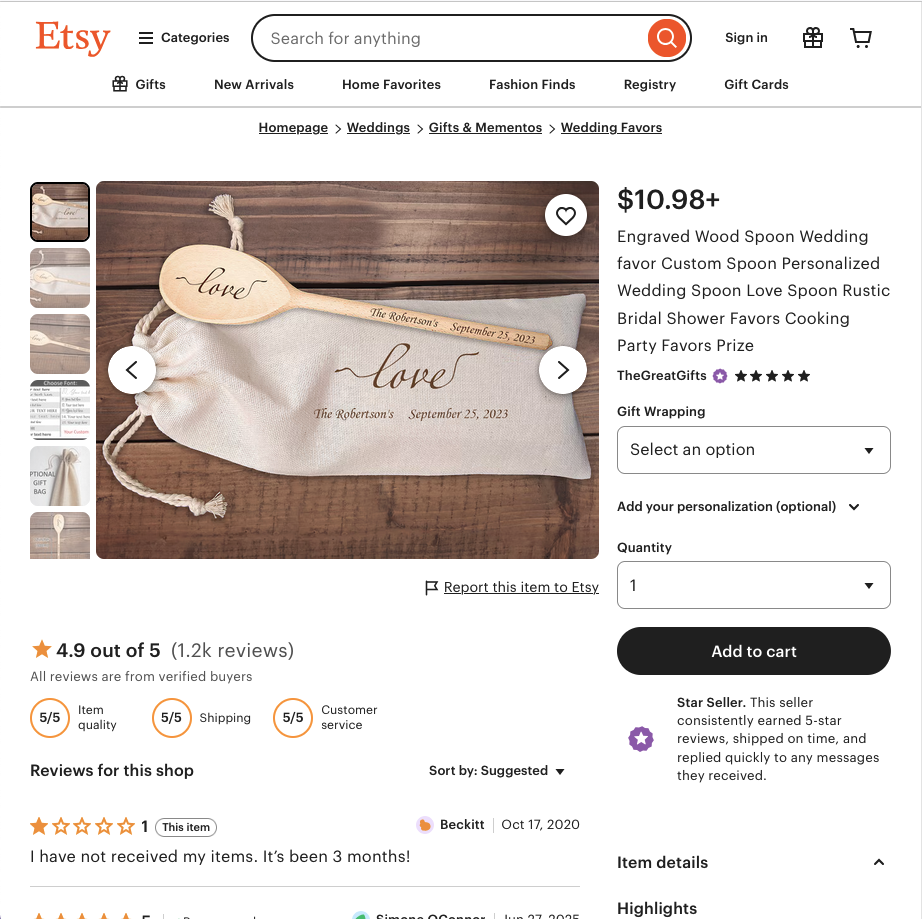
1. Custom Engraved Wooden Spoon
- Hero shot: Spoon centered against wood background
- Detail shot: Close-up of engraving
- Lifestyle: Spoon resting on a bowl of soup
- Scale: Hand placement and measurement
Results: CTR jumped 25% after photo update
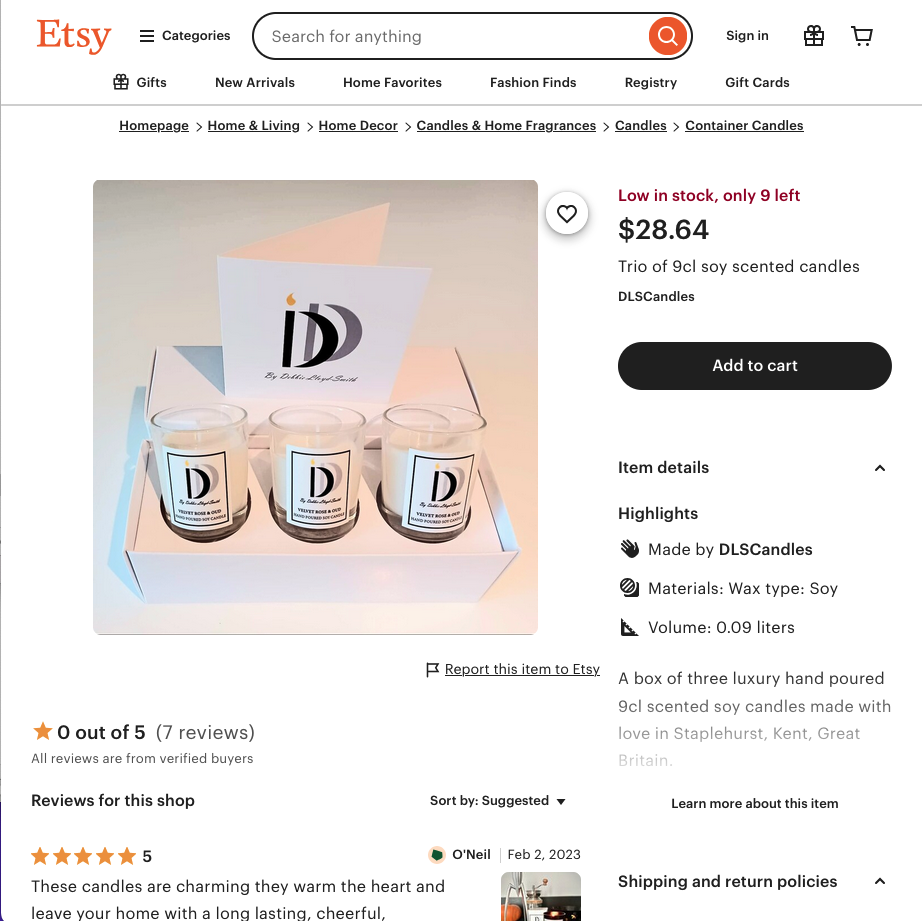
2. Hand-Poured Soy Candle Trio
- Group shot
- Diagonal display of candle textures
- Lifestyle: Candle lit on bedside table
- Infographic: “30–40 hours burn” overlay
Switched from single candle listing → tripled AOV
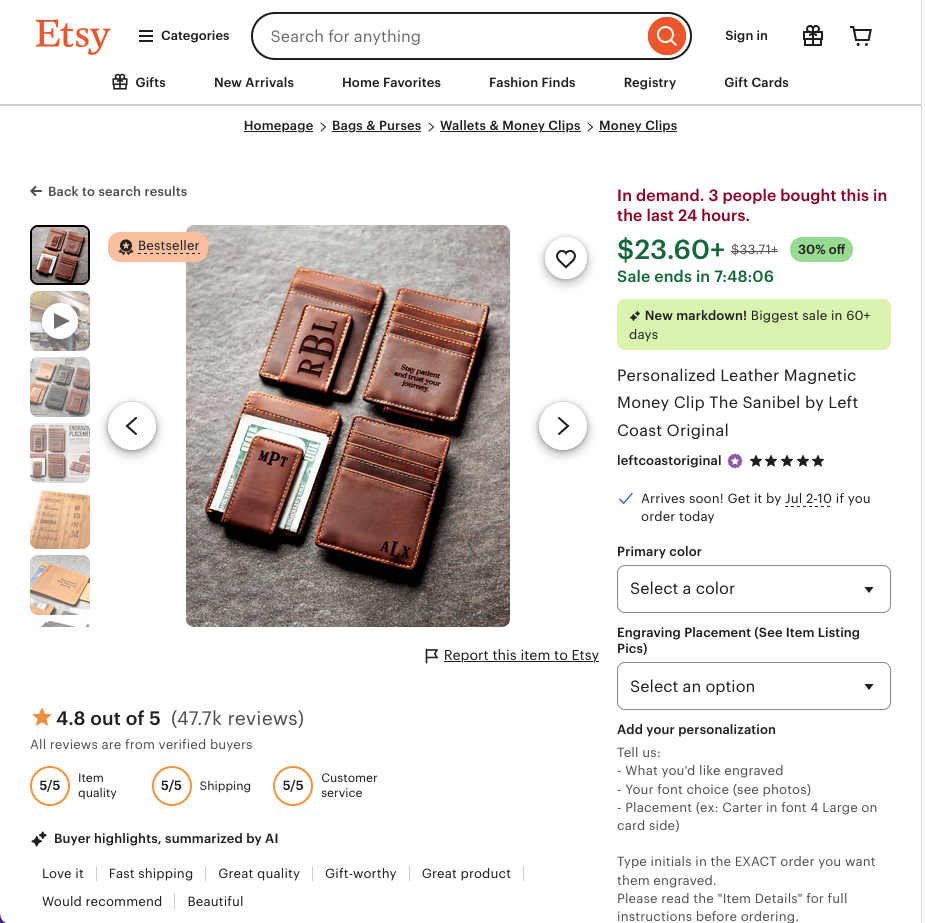
3. Minimalist Leather Tote Bag
- Flat-lay on wood
- In-use shot on mannequin shoulder, urban background
- Color variations side-by-side
- Detail stitching shot
A/B test with lifestyle shots boosted conversion by 18%
6. Photo Workflow for Etsy Sellers
- Scan listing photo trends via Sale Samurai and collect 5–10 inspiring examples
- Outline your shot list: hero, detail, lifestyle, scale, variant, infographic
- Prep styling props—e.g., notebooks, plants, mugs that complement
- Set up shooting area with white foam board and natural light
- Capture 30–50 photos, adjusting angles
- Edit for consistency and clarity
- Upload to Etsy, label each photo appropriately
- Monitor CTR and sales; revisit photography as needed
7. Quick Reference Checklist
| Photo Type | Key Tips |
|---|---|
| Hero | Clean BG, product center |
| Detail | Macro focus on quality |
| Lifestyle | Contextual environment |
| Scale | Provide tangible size cue |
| Variant | Show all color/style options |
| Instructional | Demonstrate assembly/use |
| Bundle | Show products grouped |
| Infographic | Overlay key features |
Final Thoughts
High-converting Etsy photos go beyond beauty—they tell a story, build trust, and connect emotionally. Your goal: remove doubt and spark desire. When images align with searchers’ expectations—shaped by keyword intent and competitor benchmarks—you win visibility and conversions.
Start by analyzing top-selling listings via Sale Samurai, shoot with consistency and thoughtfulness, edit for clarity, and refresh based on performance data. With attention to detail and structured photo workflows, your Etsy listings won’t just show—they’ll convert.
- Why Some Listings Get Clicks but No Sales: The Trust Gap Problem

- The Etsy Bundle Spell: How to Increase AOV Without Feeling Pushy

- Seasonal Without the Panic: Evergreen Themes That Still Spike at Holidays
- Printable Goldmines That Aren’t Planners: The Quiet Categories People Ignore
- The Micro-Niche Method: Selling to Tiny Audiences Who Buy Immediately